
Everything the board needs.
Don’t bother reading a book about running an HOA.
Just use Neighborhood.online.
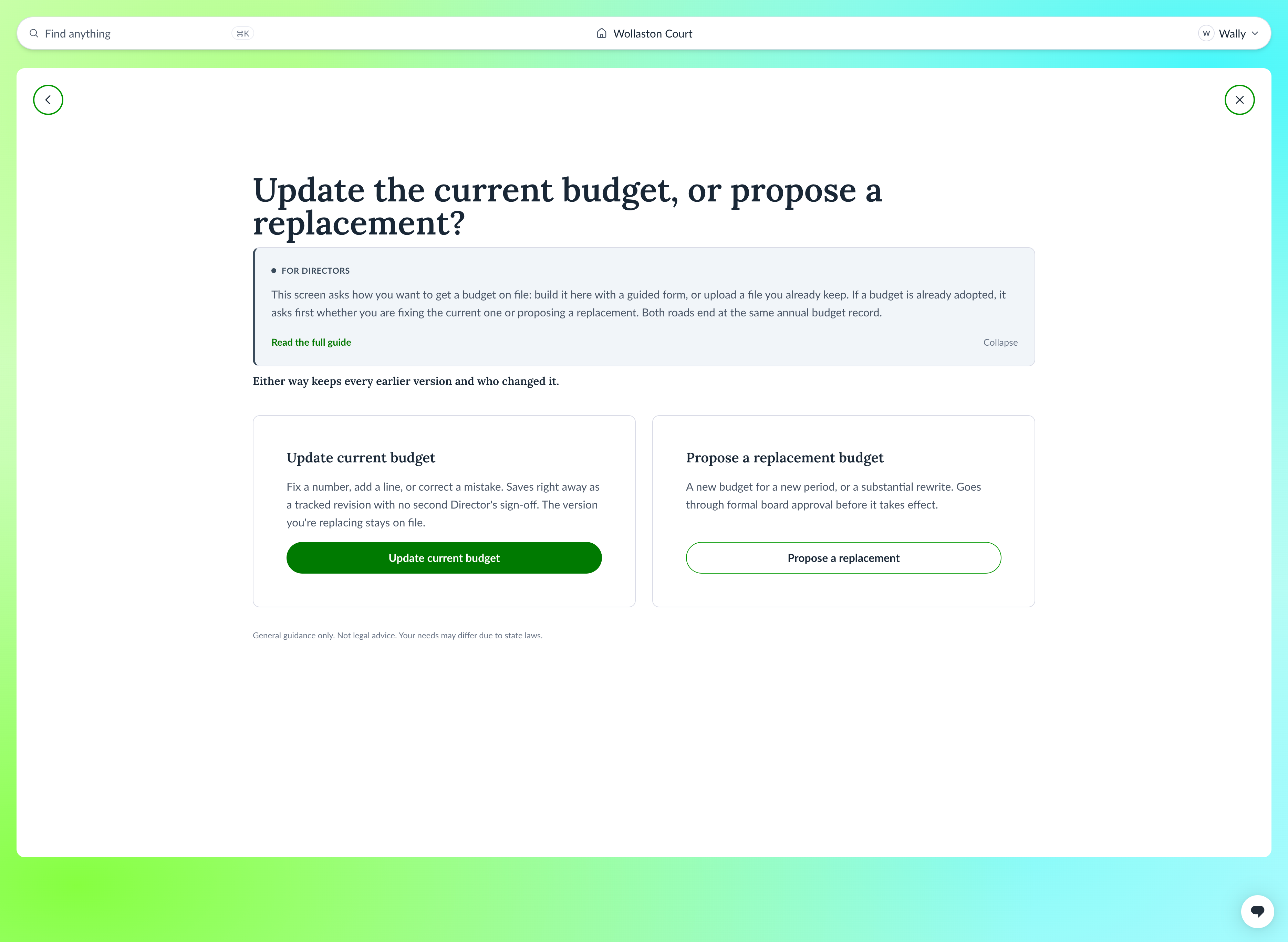
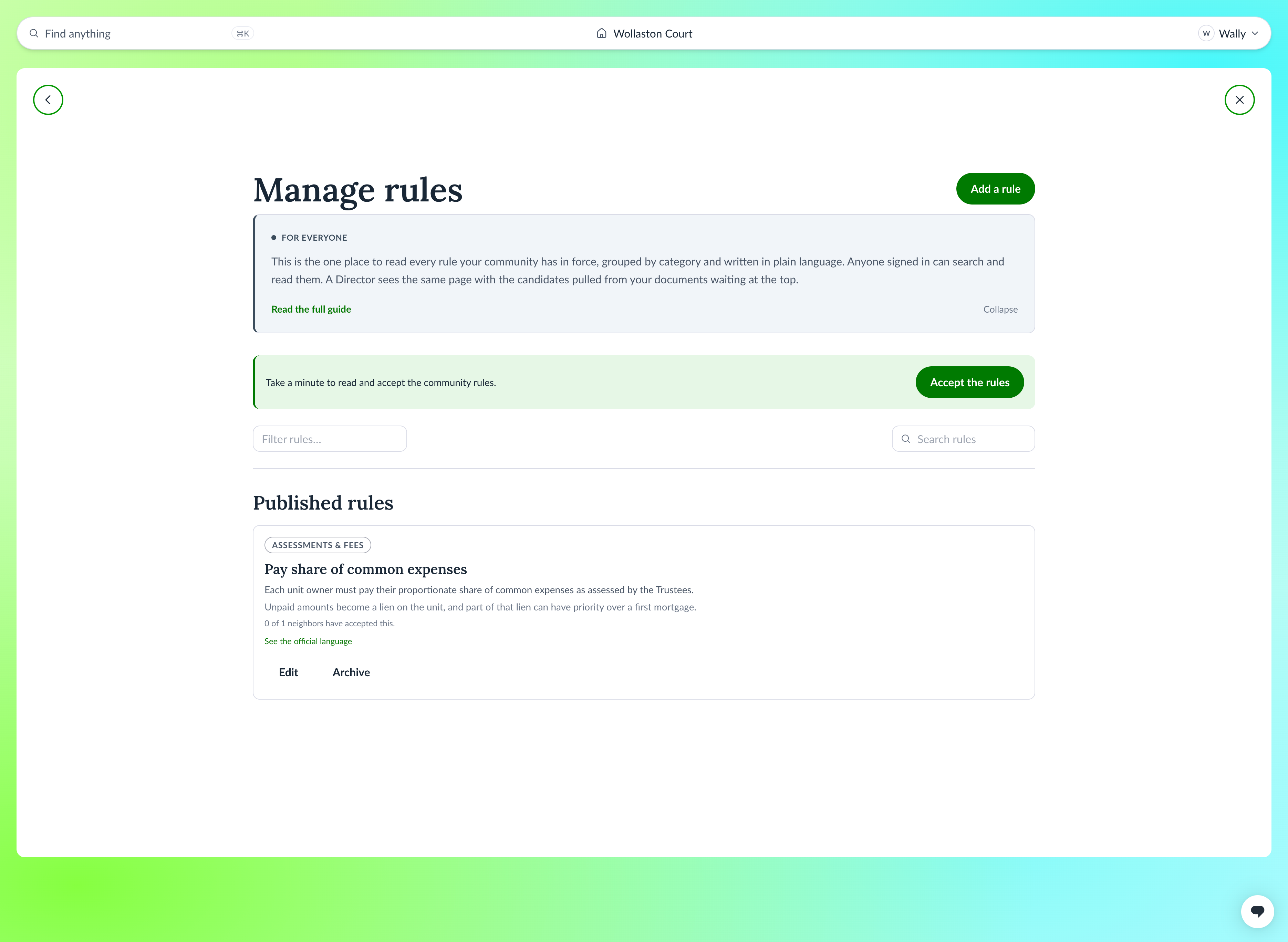
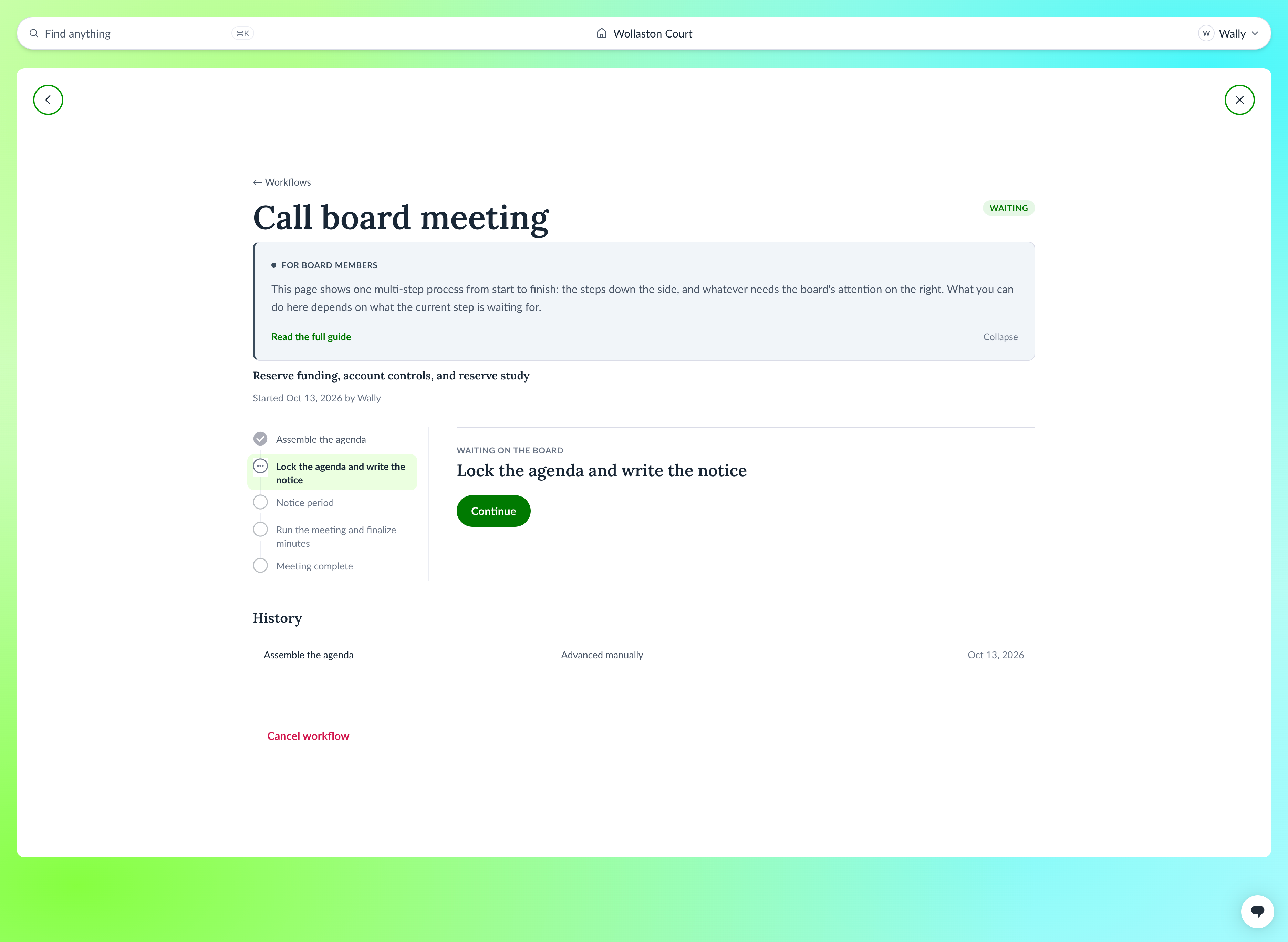
See it in two minutes.
A short tour of what the board sees, from the first screen to a notice going out.
Read the transcript
On screen: the Neighborhood.online logo, then a mailbox stuffed with paper.
Running an HOA was never supposed to be your job. You're now the one holding the binders, the old emails, the half-finished minutes, and the questions nobody can answer.
On screen: the board's home page, "Waiting for you."
Neighborhood.online brings it all into one calm place, with the tools and guidance to run your HOA the right way.
On screen: an owner reports that the front gate won't open. A board member marks it as needing a decision and picks a vendor.
It starts with issues. Neighbors can report a problem or share an idea, and everyone can follow it from start to finish. When something needs a decision, move it onto the next board meeting agenda in one step. Need outside help? Bring in vendors and track everything you need.
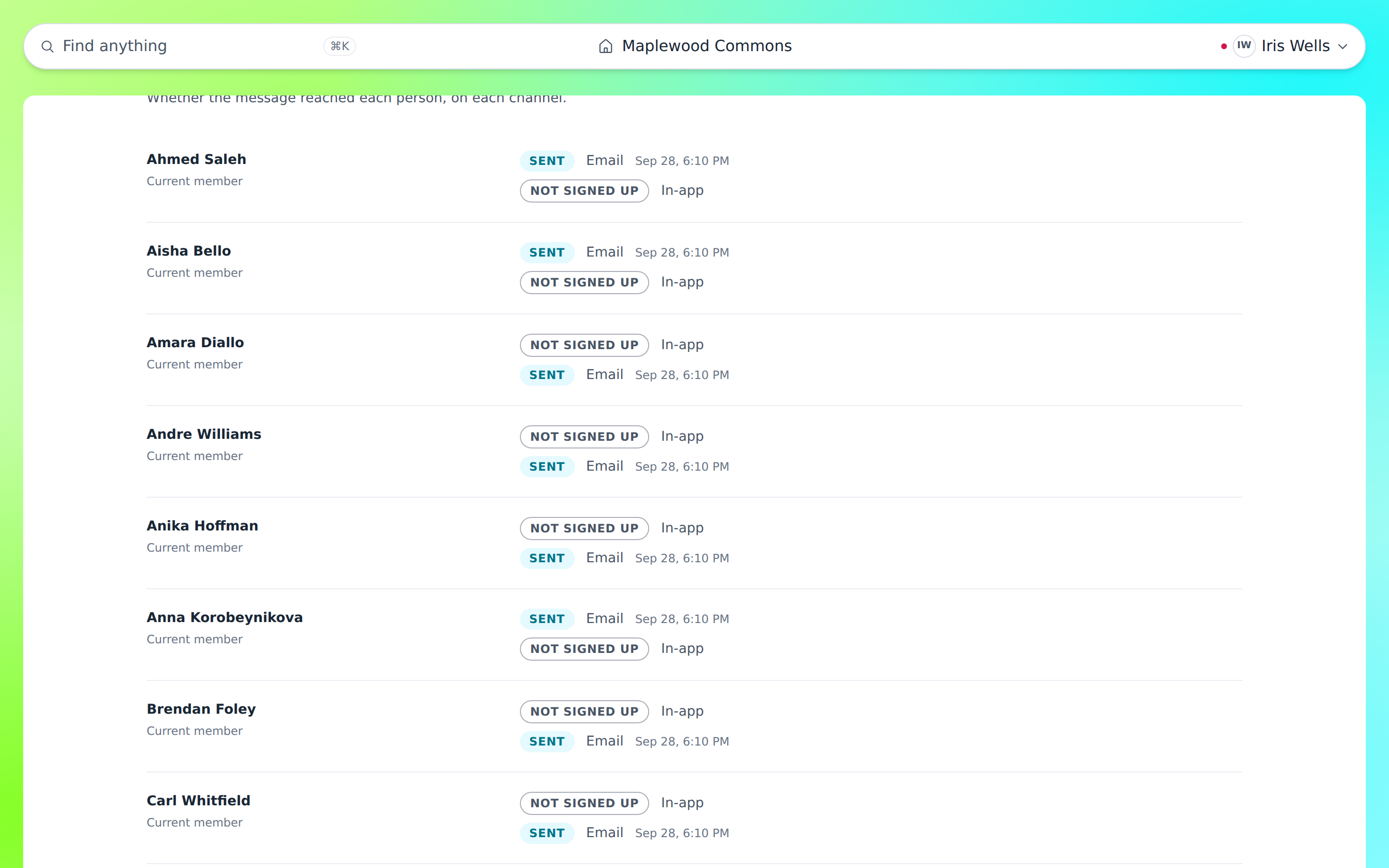
On screen: a board member writes a notice about gate repairs and sends it by email and text. The delivery log lists each owner and each channel.
When it's time to tell the community something, you choose who hears it and how. Some neighbors want email. Some want a text. Some still want a letter in the mailbox. Neighborhood.online handles all three. A delivery log for every recipient shows exactly who got the message, and when.
On screen: the "Waiting for you" page. A board member asks whether the community needs a reserve study, and the answer turns into a draft request to a reserve study expert.
Your "Waiting for you" page gathers everything that needs your attention, so nothing slips through the cracks. Have a question? Just ask. Neighborhood.online reads your own governing documents and your community's history, then suggests a clear, step-by-step path from idea to done. Every draft waits for the board's approval. You stay in charge. When a question needs a professional, we'll list some options for who might help.
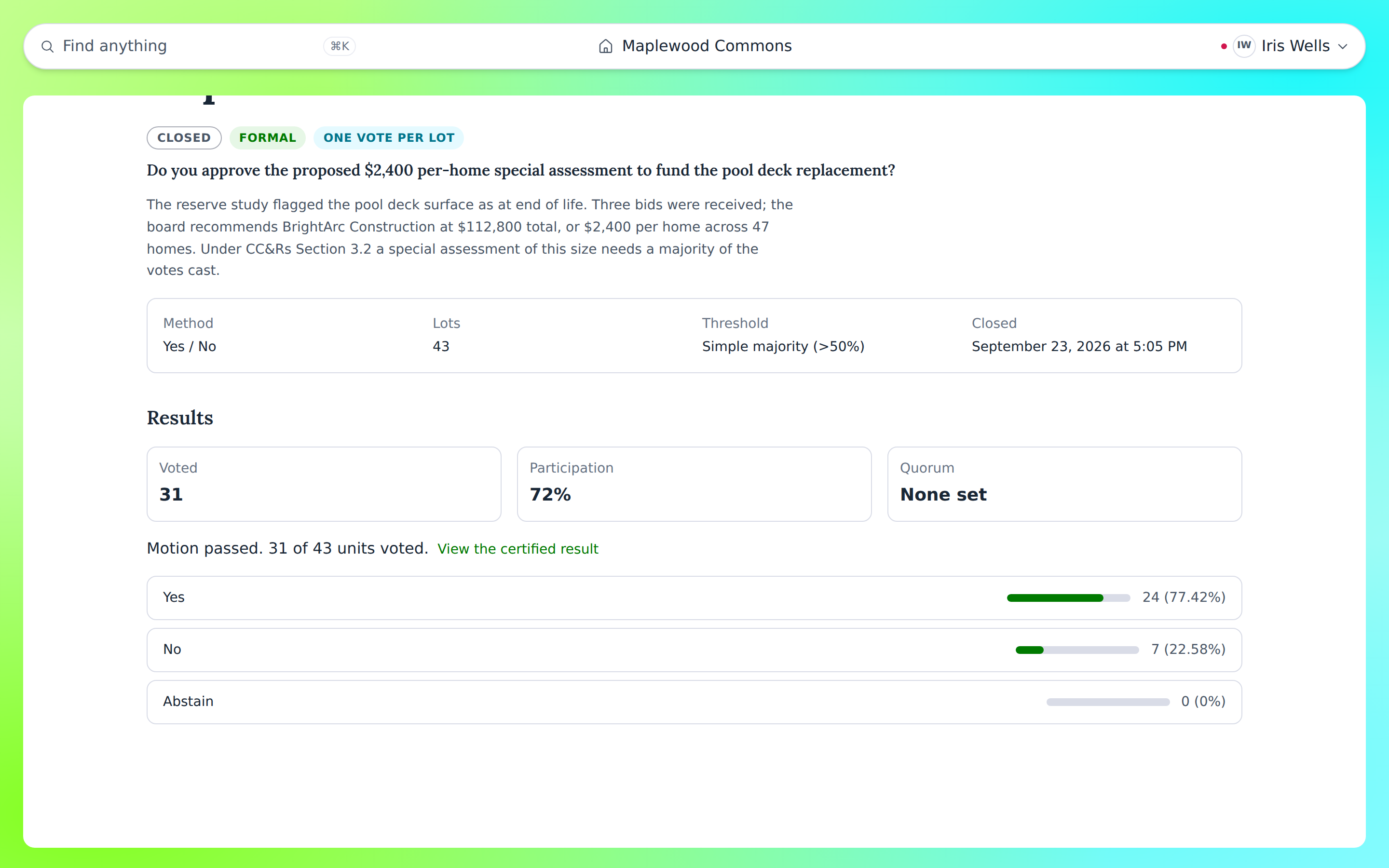
On screen: the results of a vote on a special assessment, then a violation case with its notice and a certified mailing.
Votes and board meetings run on purpose-built tools, from notice to agenda to minutes. Violations are tracked fairly and consistently, with every notice and certified mailing on record. So when someone asks how a decision was made, you have the answer. When it's time to hand things off to the next board, they'll have it too.
On screen: a neighborhood at sunrise, neighbors around a fire pit, then the Neighborhood.online logo.
You didn't sign up to be an expert. Now you don't have to be. Neighborhood.online. Know what to do next, and get back to being a neighbor.
Communicating with your neighbors
Some neighbors read email. Some want a text. Some notices have to go by mail, and you need proof they went.
Write it once. Neighborhood.online sends it by email, text, first-class mail or certified mail, the way each neighbor asked. Every notice keeps a delivery record that shows who it went to, how and when.
Running a board meeting
Most volunteers have never run one. Your bylaws set rules for notice and quorum, and nobody handed you a script.
Neighborhood.online walks the board through it. The agenda starts with the standing items filled in. The notice goes out on time. During the meeting you get a quorum check, motions are recorded as they happen, and the minutes are drafted from the meeting itself.
Managing vendors
Who is under contract? Whose insurance ran out? The answers are usually in someone’s inbox.
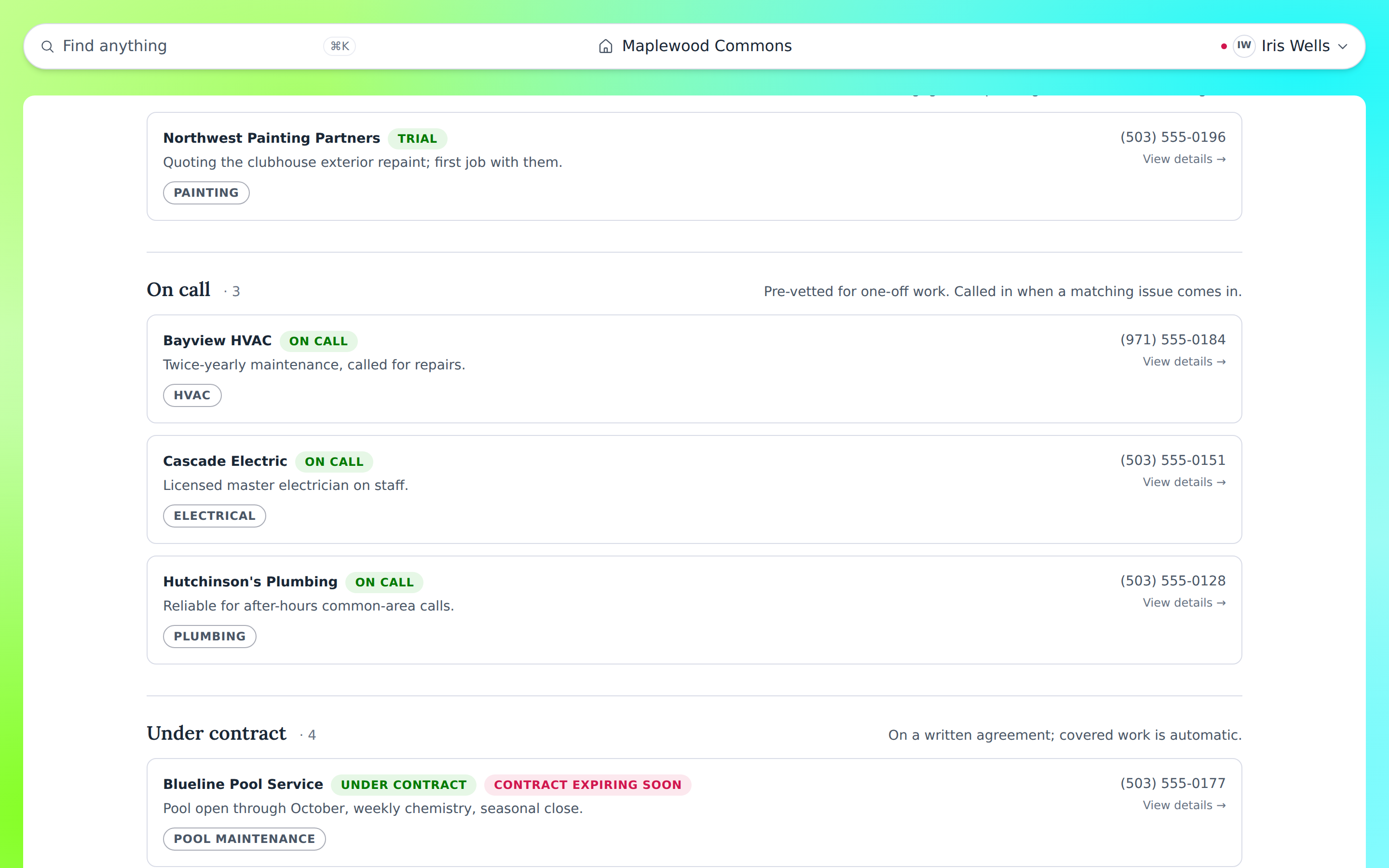
Keep every vendor in one list: under contract, on call, on trial or do not hire. Each record holds contract dates, insurance and W-9 status, and recent jobs. You get a warning before insurance lapses or a contract runs out. Assign a vendor to an issue and message them from the app.
Keeping consistent records
Minutes in one binder, bylaws in another, last year’s budget on a laptop that left with the old treasurer.
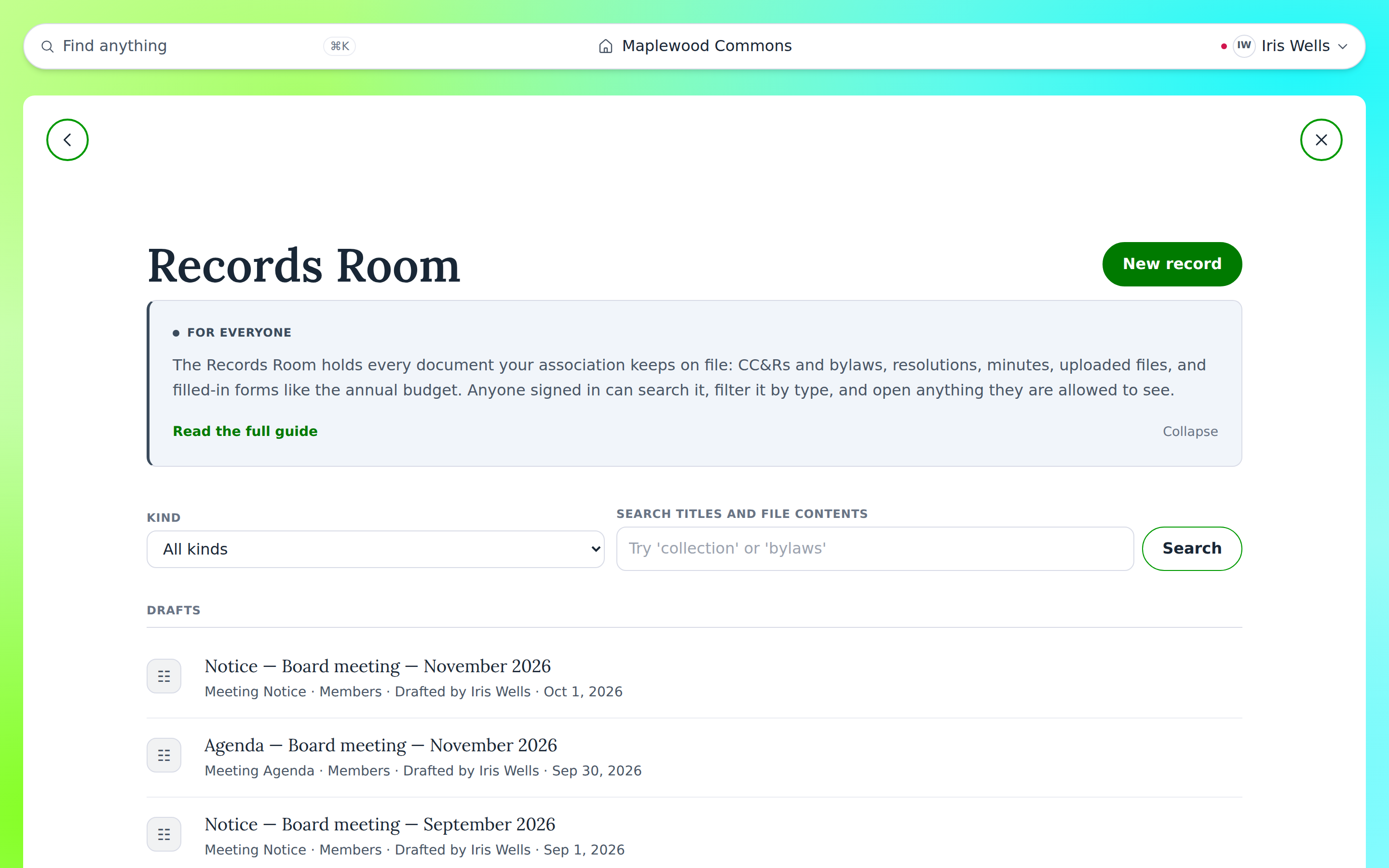
Every document lives in one place, and you can search inside it. Each official act files its own record: notices, minutes, vote results and written consents. When the board changes, the next board has the whole history.
Fair and transparent decisions
Neighbors want to know a vote was counted right and that the rules apply to everyone the same way.
Votes run online with one vote per lot, and ballot links work without an account. Results are counted for you, and formal votes keep a certified result on file. Violations follow the same steps every time, with the rule quoted from your own documents.
Six everyday places
Everything above lives in six places, the same ones you see in the app. Each place answers one question and keeps its own record.
 PeopleWho's on the board, who lives here, who do we hire?
 RulesWhat are we allowed to do? Where are the CC&Rs and bylaws?
 DecisionsWe need to agree on something. Meet, vote, make it official.
 WorkSomething's broken, a neighbor complained, a project needs doing.
 MoneyThe adopted budget and the financial records.
 CommunicationI need to notify the neighbors and hear back.
Start with what you've got.
A website and your documents today.
The rest when the board is ready.